

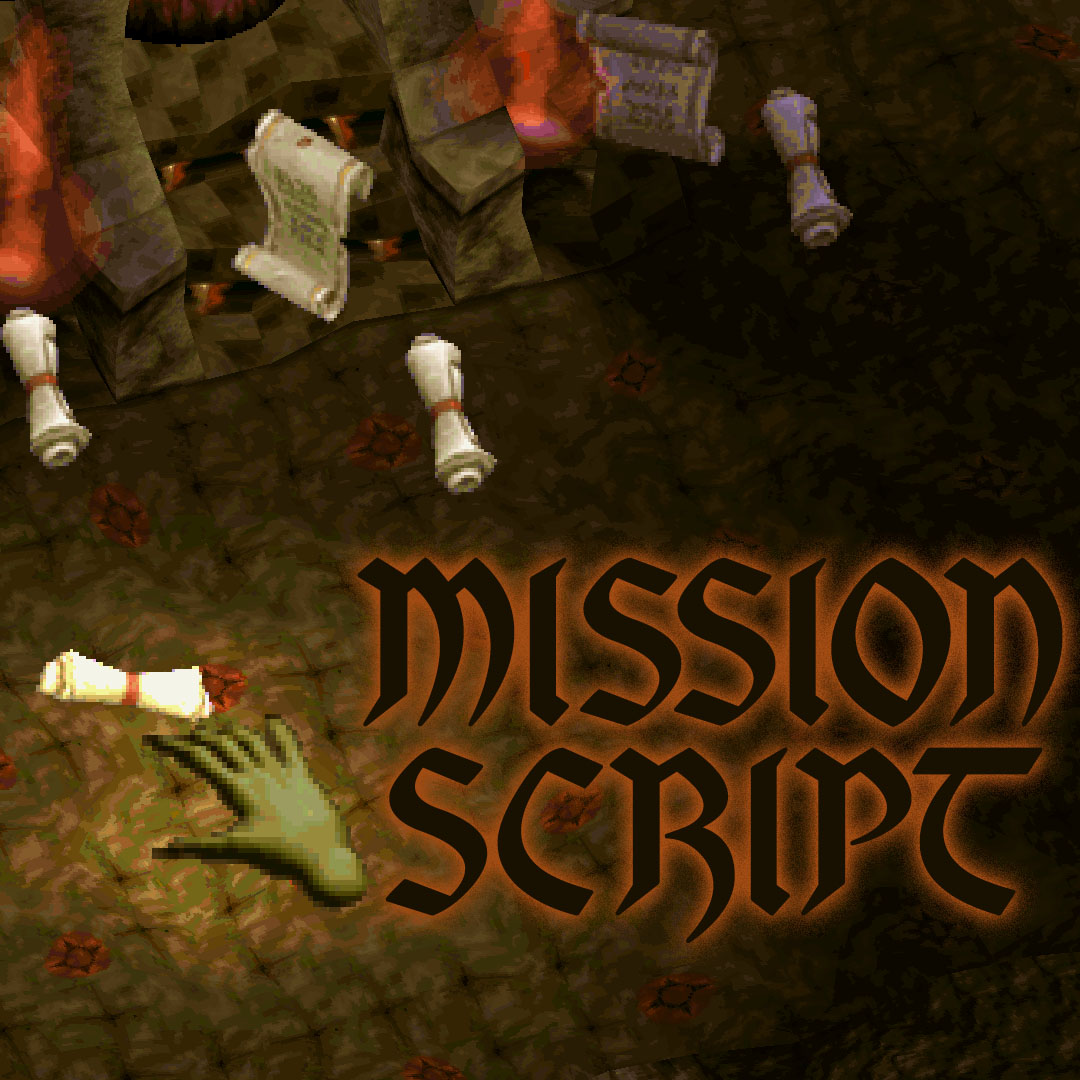
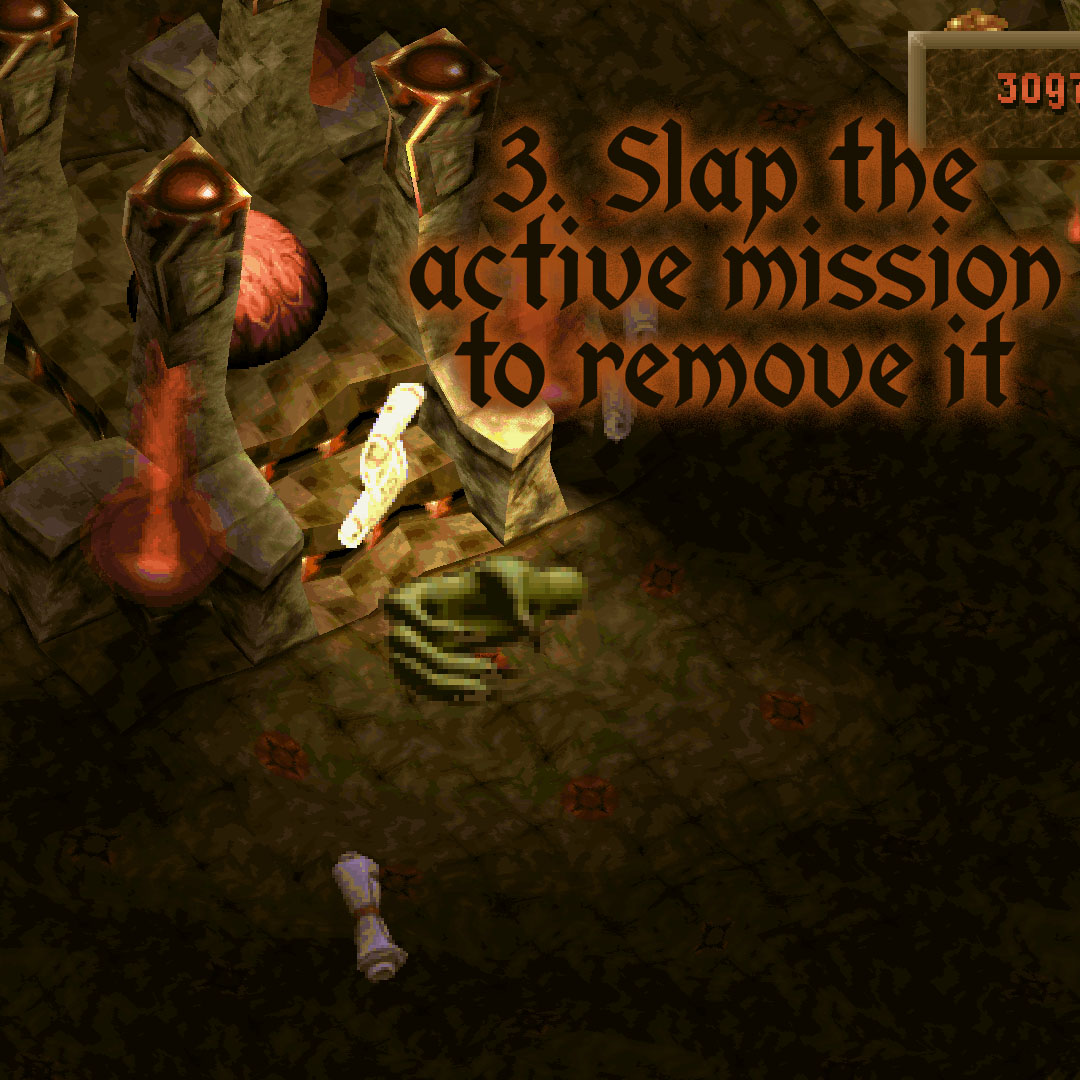
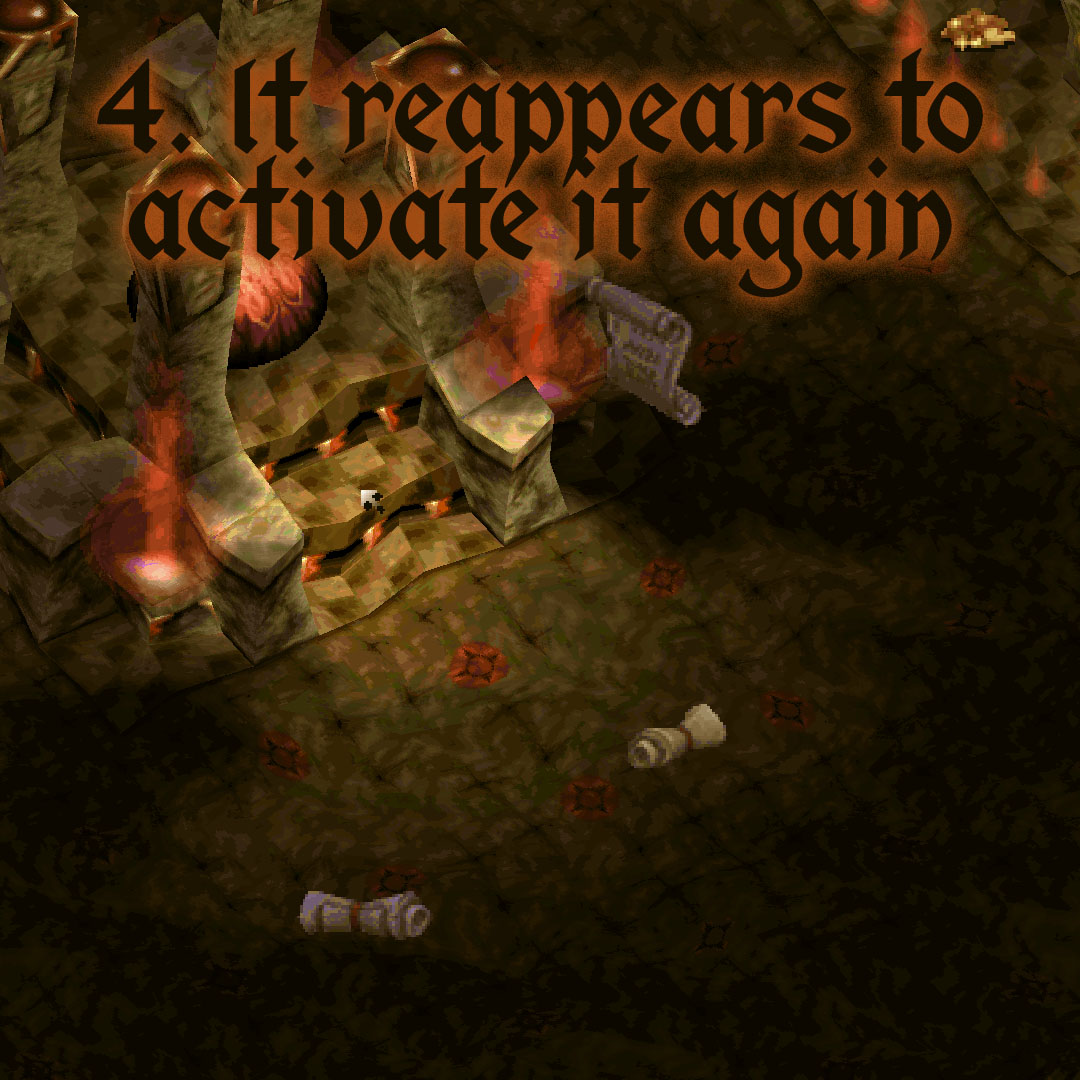
A recent patch update was required, which added slapping objects.
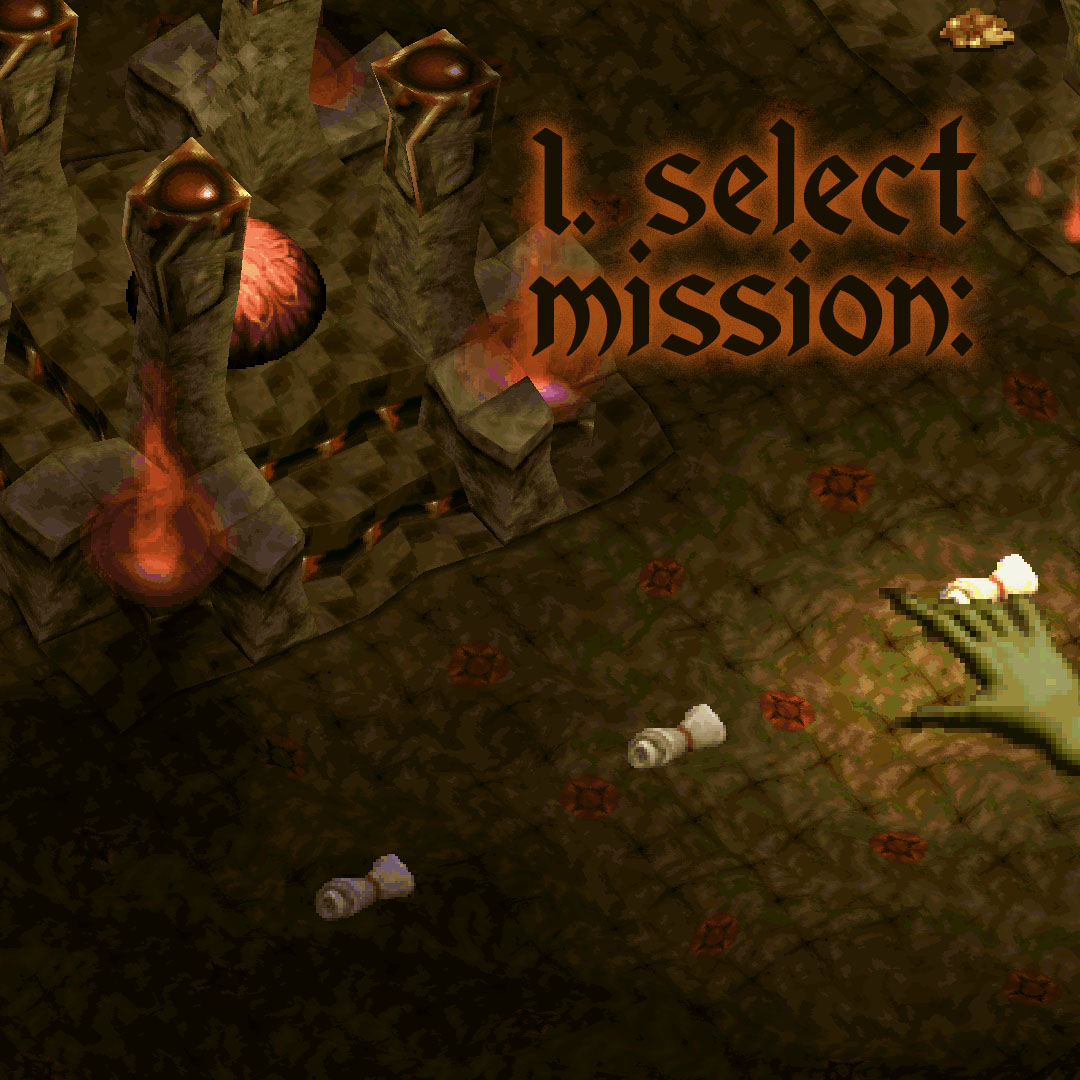
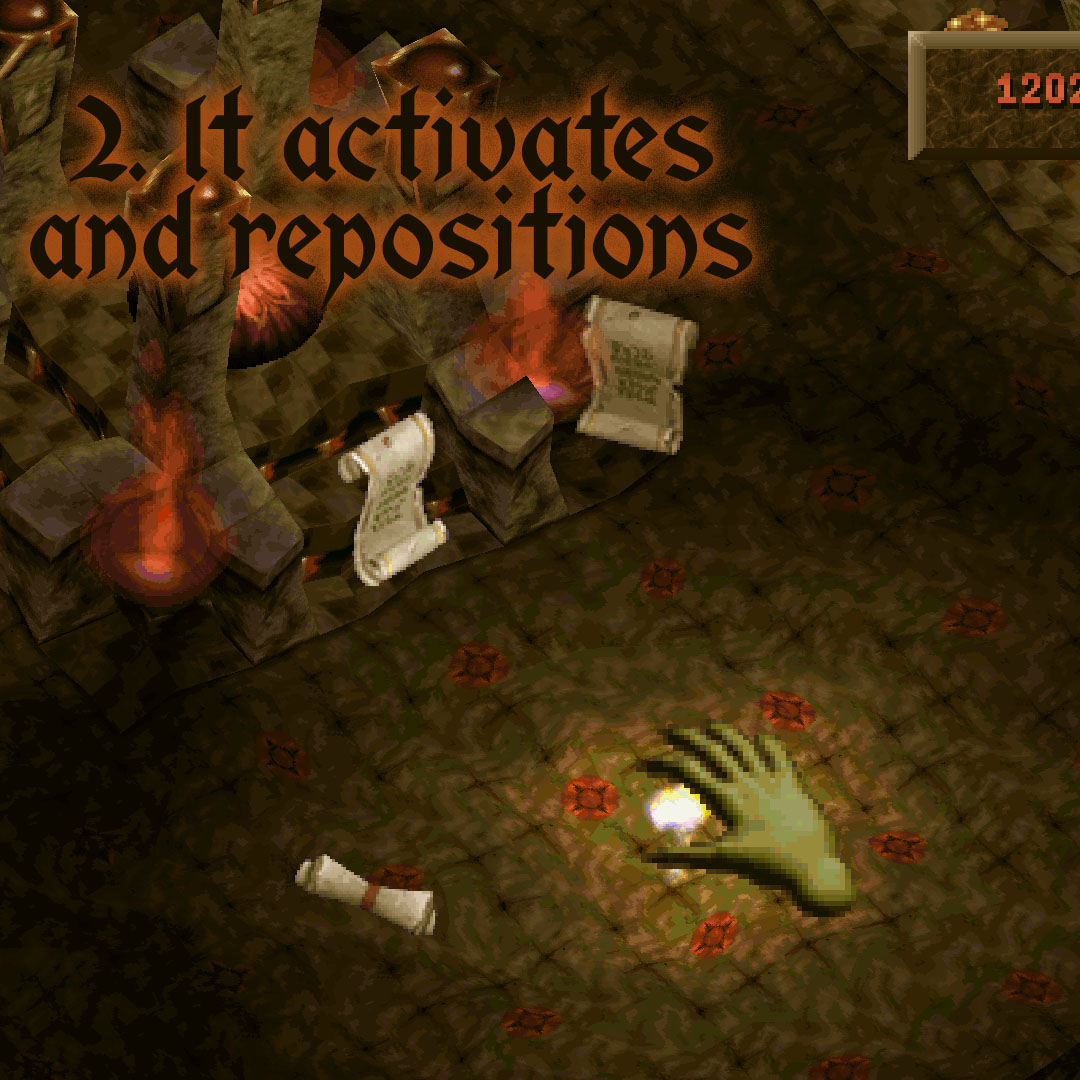
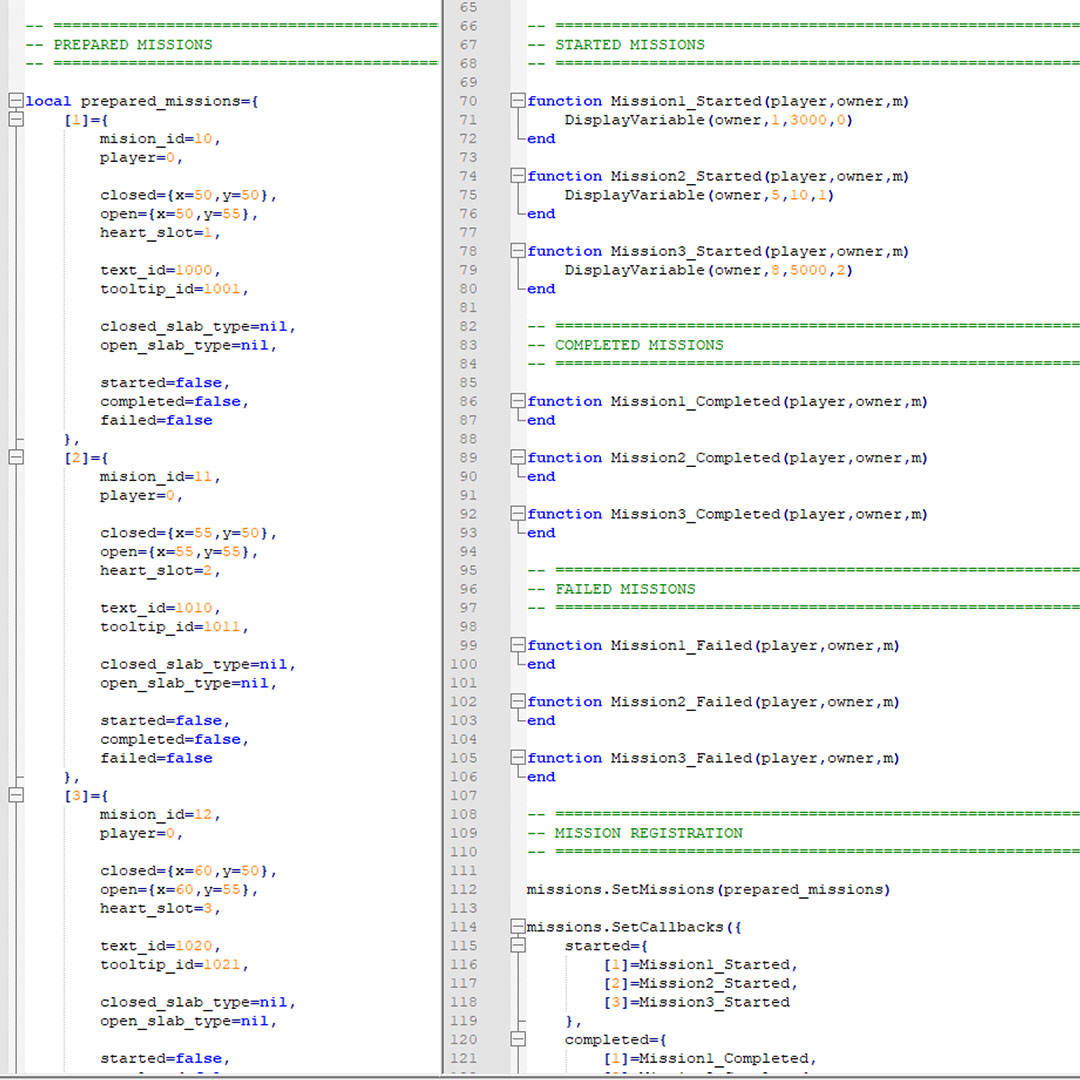
A script still in development allows you to activate or deactivate processes using two new Special_Boxes: Mission OFF and Mission ON, with new animations that can be replaced by scripting. When a mission is activated, it will disappear and reappear around the heart of the dungeon or at a coordinate of your choosing. Along with this, the process or variables of your choice will be activated, and you can deactivate them with a slap. My idea is that the interface editing and variable display can be improved over time to create a user-friendly system with predefined missions to prepare, with the possibility of adding any code desired.
Installation Instructions
The missions.lua and missions_mechanics.lua files must be placed alongside the map files. To load missions.lua, add "local missions=require("missions")" at the top of your script for easy separation. The logic for its operation is also separate; you only need to edit the missions.lua file. Also include scrolls.zip. A Manual.txt file explaining the different variables is also included.
> [!NOTE]
> Highlights information that users should take into account, even when skimming.
> [!TIP]
> Optional information to help a user be more successful.
> [!IMPORTANT]
> Crucial information necessary for users to succeed.
> [!WARNING]
> Critical content demanding immediate user attention due to potential risks.
> [!CAUTION]
> Negative potential consequences of an action.
This will become:
Note
Useful information that users should know, even when skimming content.
Tip
Helpful advice for doing things better or more easily.
Important
Key information users need to know to achieve their goal.
Warning
Urgent info that needs immediate user attention to avoid problems.
Caution
Advises about risks or negative outcomes of certain actions.